Spira Maxima

4dys agoupdate 105 0 0

Combine scripts, product images, or existing voice-over videos to create vertical short videos with subtitles, background music, and motion graphics—perfect for product introductions and regular social media updates.

Collection time:
2026-10-13
Spira MaximaSpira Maxima

What is Spira Maxima?

Spira Maxima is a short-form video generation tool launched by Spira AI for social media platforms. It compiles scripts, character or product footage into a single video featuring voice-over, supporting visuals, motion graphics, subtitles, and music, and is primarily designed for product introductions, educational content, and daily brand updates. Maxima 1.0 topped the Product Hunt daily chart on October 5, 2026; this achievement reflects the community’s voting activity on that day and does not indicate user base size, nor does it guarantee the reach of videos after publication.View Today's Rankings

It’s best suited for addressing the issue of “knowing what you want to say but finding it too time-consuming to produce a short video.” The quality of the generated content, the accuracy of character depictions, and the performance of the Chinese voiceover should still be evaluated by testing them with your own footage.
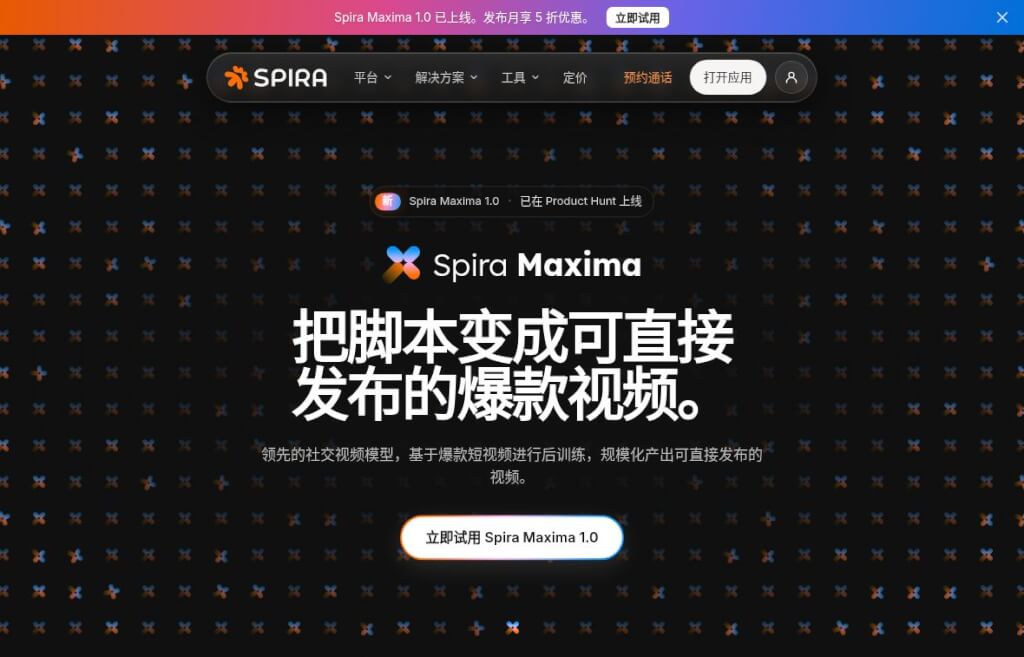
Spira Maxima官网截图
Screenshot from the Spira Maxima official website

Key Features

  • Getting Started with Various Materials:You can provide just the script, or you can include photos of the characters, voice samples, product images, or use existing recorded videos.
  • Automatically Combine Short Video Elements:Organize voice-overs, supplementary footage, subtitles, music, and motion graphics around the content to minimize the need for separate preparation and editing of individual clips.
  • Batch Output in Portrait Orientation:The official instructions specify that the output should be a 9:16 MP4 file and provide accompanying release copy and hashtags.
  • Duration based on plan limits:The official FAQ lists the maximum duration per clip as 20 seconds for Free, 60 seconds for Creator, and 90 seconds for Growth. The 90-second limit is the product’s stated maximum and does not reflect the results of this test.

The above abilities and limits are fromSpira Maxima Official Website. The same page still lists video editing, native MCP, CLI, and the Maxima API as future development projects; they should not be considered available features.

What is it good for?

E-commerce operators can start by addressing a specific issue related to a product, providing a brief explanation alongside existing product images; service-based businesses can break down common inquiries into Q&A formats; and content creators can take proven script topics and experiment with different openings to test which phrasing is more likely to keep viewers engaged until the end.

Try to address only one issue per video. Whether you’re demonstrating a sequence of software operations, proving the actual effectiveness of a product, or creating a complete tutorial lasting a few minutes, you should still include the necessary screen recordings, live footage, and manual editing. Generated footage should not be treated as evidence of real-world testing.

How to Get Started

  1. Let's start by writing a short script.Organize the content according to the structure of “specific problem, one solution, next steps.” For example, when introducing a storage product, you can first discuss the most common types of clutter found on a desk, then demonstrate a usage scenario, and finally provide the dimensions or details to confirm before purchasing.
  2. Prepare the materials you have the right to use.Select your own photos, audio recordings, or product images. If the content includes the likeness, voice, or trademarks of others, obtain permission first.
  3. Start by creating a prototype of the shortest version.First, check whether the voiceover pronunciation, subtitle punctuation, and product appearance meet the requirements, and then decide whether to extend the duration. Verify the cost displayed on the page before generating the video.
  4. Will be published after manual review.Focus on checking numbers, prices, proper nouns, subtitle overlays, and exaggerated claims. If there are strict requirements for the brand’s visual identity, the generated video should be treated as a first draft and further refined.

How to Choose Between HeyGen and CapCut

  • Compared to HeyGen:HeyGen focuses on providing services to individualsdigital person, script-driven video editing and video translation, as well as subtitles, supplementary visuals, and team collaboration capabilities. If you consistently use the same on-camera talent, prioritize character consistency, or produce multilingual versions, you might want to try HeyGen first; if you’re focused on quickly producing short social media content from a script, you can compare results by feeding the same footage to Spira Maxima. Both platforms are capable of producing full-length videos, so HeyGen shouldn’t be viewed simply as a tool that only generates voice-over clips.Official HeyGen Features
  • Compared to CapCut:CapCut offers a timeline-based editing workflow that allows you to adjust the order of clips, their duration, subtitles, and audio. This editing method is more straightforward when you need to control each frame and the pacing individually; Spira Maxima currently focuses more on letting the model handle generation and composition, while its official website still lists video editing as a feature to be developed in the future. You can also generate a rough draft first and then refine it using CapCut.CapCut Official Editing Guide

When selecting a provider, in addition to comparing the cost per project, you should also keep track of the time spent on revisions: for the same character and the same script, the number of revisions required to meet publication standards provides more valuable insight than simply reviewing a sample clip.

Fees and Precautions Before Use

Spira offers a free trial and paid plans; media generation is billed using credits. The official pricing page states that subscriptions renew automatically and that credits within a subscription do not roll over upon expiration. Since the unit pricing varies across different language versions of the Maxima page, this article does not cite a fixed price per second; please refer to the actual cost displayed before generation within your account and the terms of your current plan.View Pricing Information

data statistics

Relevant Navigation

No comments

none
No comments...