
Read AI
Compile meeting transcripts, summaries, and action items into searchable working knowledge, and connect MCP and Gamma.
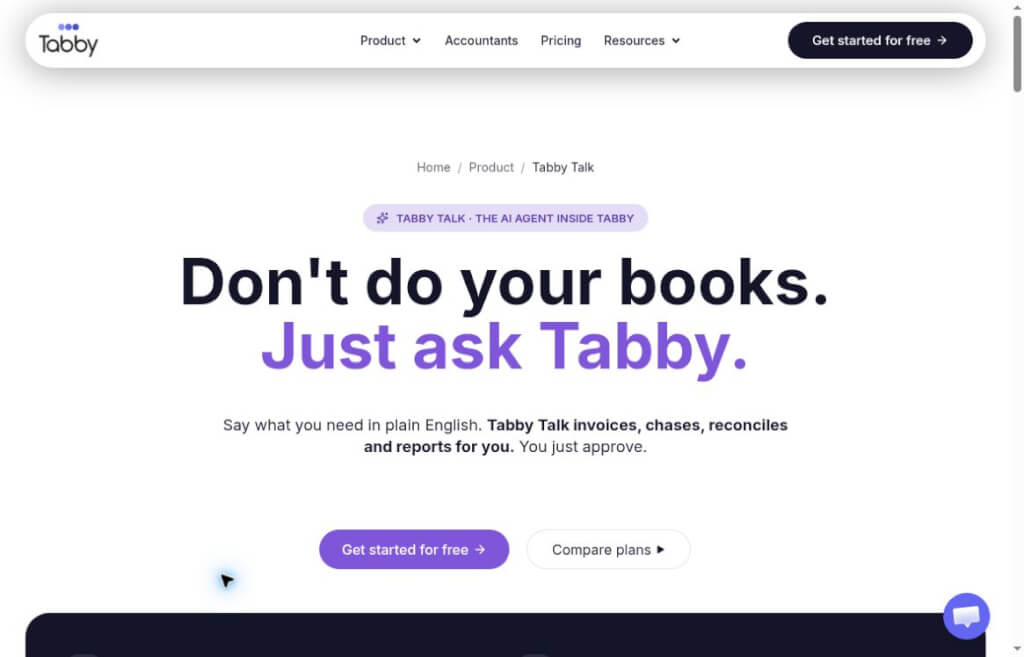
Tabby Talk is an AI-powered bookkeeping assistant built into Tabby 2.0. It can answer business questions, prepare invoices and reports based on a company’s financial records, and implement relevant changes after user approval. It is primarily designed for small businesses and the self-employed in the United States.
Tabby Talk It is a conversational assistant built into Tabby, an AI-powered accounting platform. Users can ask about their income, expenses, and outstanding payments using natural language, or describe accounting tasks they need to complete, allowing the system to perform the corresponding actions based on existing ledger entries. Its core value lies in reducing the need to browse menus, review reports, and enter data repeatedly.
Tabby is operated by Spensibly, Inc., a New York-based company.Co-Founder TeamThe team includes CEO Ahad Ali, a certified public accountant, and CTO Shah Paran, who oversees product and technology. Ali has more than a decade of experience in the accounting industry. The product is designed primarily around the way small businesses, self-employed professionals, and accounting firms in the United States operate.
groundOfficial AnnouncementTabby launched publicly in July 2025 and released version 2.0, which focused on Tabby Talk, on October 12, 2026. This update integrates natural language Q&A and task execution into a single accounting environment, enabling business owners to ask questions directly about their operational data.
Consultants, designers, or other business owners who charge on a project basis can first check which invoices from a specific time period remain unpaid, then verify whether they are actually past due. After confirmation, they can prepare a reminder email, streamlining the process of “finding records, calculating amounts, and drafting the reminder” into a single, continuous workflow. For payments that have been received but not yet matched, the records should be updated first to avoid mistakenly sending payment reminders to clients who have already paid.
At the end of the month, if you want to understand why your profits have changed, start by comparing this month’s revenue and expenses with last month’s, then dig deeper into the categories showing significant changes. We recommend reviewing the original transaction records to distinguish between one-time purchases, recurring subscriptions, and the timing of revenue recognition—don’t judge the health of your business based solely on a single line item in the summary.
Accounting staff can view and prepare reports within approved client ledgers; operations such as categorization and modification require confirmation of the corresponding role’s editing permissions. For expenses with unclear classifications, it is more prudent to have the business manager provide additional details regarding the purpose of the expense and then have an accountant determine the appropriate treatment, rather than directly accepting the AI’s classification. This type of collaboration is also suitable for batch processing of pending entries at the end of the month or before tax filing preparations.
Official Pricing PageA free tier is available, but it includes restrictions such as bank connections, spending limits, and AI credits; the Tabby Talk allowance listed for the free plan is 10 credits per month, which should not be interpreted as unlimited use. When selecting a paid plan, you should compare the allowance, user seats, and the financial features you need.
groundSafety InstructionsTabby connects to banks via Plaid in read-only mode and cannot transfer funds. However, “read-only access to the bank” does not mean “read-only access to the ledger”; authorized posting operations may still alter records within the platform, so the review process cannot be skipped.
Intuit AI for QuickBooks OnlineIt also covers automated bookkeeping and collaboration. When comparing options, it is important to distinguish between the accounting platform itself and its AI capabilities; specific features may vary depending on the solution and market version.
| comparison dimension | Tabby Talk | QuickBooks Accounting AI |
|---|---|---|
| Platform | Tabby Built-in Assistant | AI Bookkeeping Capabilities in QuickBooks Online |
| Main Entrance | Ask questions or describe bookkeeping tasks via chat | Combining the platform's bookkeeping processes with the results of AI-powered tasks |
| Key Tasks | Account inquiries, invoice preparation, categorization, and reporting tasks | Transaction Processing, Automated Bookkeeping, and Collaboration on Supplementary Information |
| Human-AI Collaboration | Display the prepared action and execute it after the user approves it. | Gather the necessary information from the business unit or the accountant regarding the transaction |
| Key Considerations for Selection | Verify whether the business scenarios, credit limits, and ledger functions are sufficient. | Confirm Existing QuickBooks Plans and Their Corresponding AI Feature Sets |
If you’re already managing your accounts in Tabby, Tabby Talk can serve as a more direct way to perform tasks; if your business and accountant already have established QuickBooks workflows, you should first evaluate the AI capabilities of your current platform before considering a migration. The choice of accounting software should be based on data integrity, collaboration among accountants, and migration costs—it shouldn’t be based solely on whether the chat feature is convenient.


 简体中文 简体中文
  English