
Suppr
An AI-driven literature search engine designed specifically for the medical field, providing intelligent search, Chinese search, mind map generation and reference downloads to help medical research and clinical decision-making.
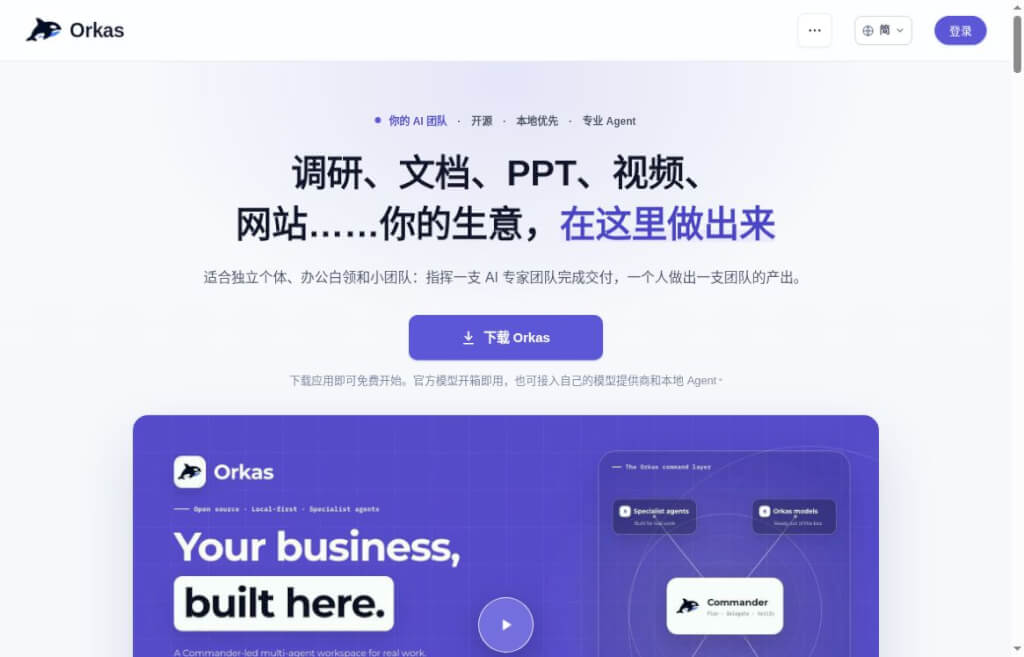
The main agent breaks down tasks, coordinates research, writing, administrative, and development assistants, and handles multi-step workflows continuously within the desktop.
Orkas islocal priority(used form a nominal expression)polytopeThe Desktop Workbench is managed by Commander, which interprets tasks and coordinates specialized assistants for research, writing, administrative work, or development. It is ideal for users who need to complete projects involving multiple steps—such as moving from research to reports and presentation materials. Users can organize materials, workflows, and output files around a specific goal, and compile frequently used requirements into reusable assistants or skills. The desktop client is licensed under the MITOpen SourcePermission; No tasks were actually run in this article.
It aims to reduce the need to switch between multiple tools. For example, when creating a product feature, you can first organize your sources, then produce a first draft of the article and a layout plan for the images—without having to copy materials from scratch at every step. It’s ideal for people who prefer to define clear task boundaries and review intermediate results. Just because tasks can be automatically divided doesn’t mean citations, numbers, and final outputs are inherently correct; complex workflows may also trigger additional model calls, requiring simultaneous management of quality, permissions, and costs.
Pricing and Status: Core desktop features are free; according to the official announcement, users can earn 500 points by logging into the desktop version; calls to built-in service providers are billed by those providers. The pricing page lists Lite, Pro, and Max at $11.99, $19.99, and $79.99 per month, respectively, and displays a test payment prompt; the status of official purchases remains to be confirmed. Additionally, the descriptions of collaboration features on the home page and the pricing page are not entirely consistent. The latest release record is October 1, 2026, v2026.10.1, which includes improvements to e-commerce tool integration and project management—not the September 22 version.
| Dimensions of Comparison | Orkas | Glueprint | n8n |
|---|---|---|---|
| Key Focus Areas | Research, Content, Office, and Development | Programming Agents and Code Delivery | Application Data and API Process Automation |
| Organizational Structure | Set Goals Through Dialogue; Divide Roles Between the Main Character and the Assistant | Project Discussions, Code, and Reviews | Establish a relatively fixed process in advance |
| Operating Mode | Running the open-source desktop version on your own computer | The connected host performs the task | Cloud Service or Self-Hosted |
| Examples of Use | The data was compiled into a thematic report | Multiple Programming Agents Collaborate to Modify Code | Update the business system after the form is submitted |
Selection Tip: n8n is a process automation platform and is not exactly the same as Orkas; the burden of deployment and maintenance depends on the chosen method. The above is a comparison of product directions; it has not been verified which is more cost-effective, provides more accurate results, or is fully unattended.


 简体中文 简体中文
  English