
Light cloud map
Bespoke Technology has launched an AI-driven visualization cloud map generation tool that supports 2D/3D mode and PPT insertion to quickly generate keyword cloud maps.
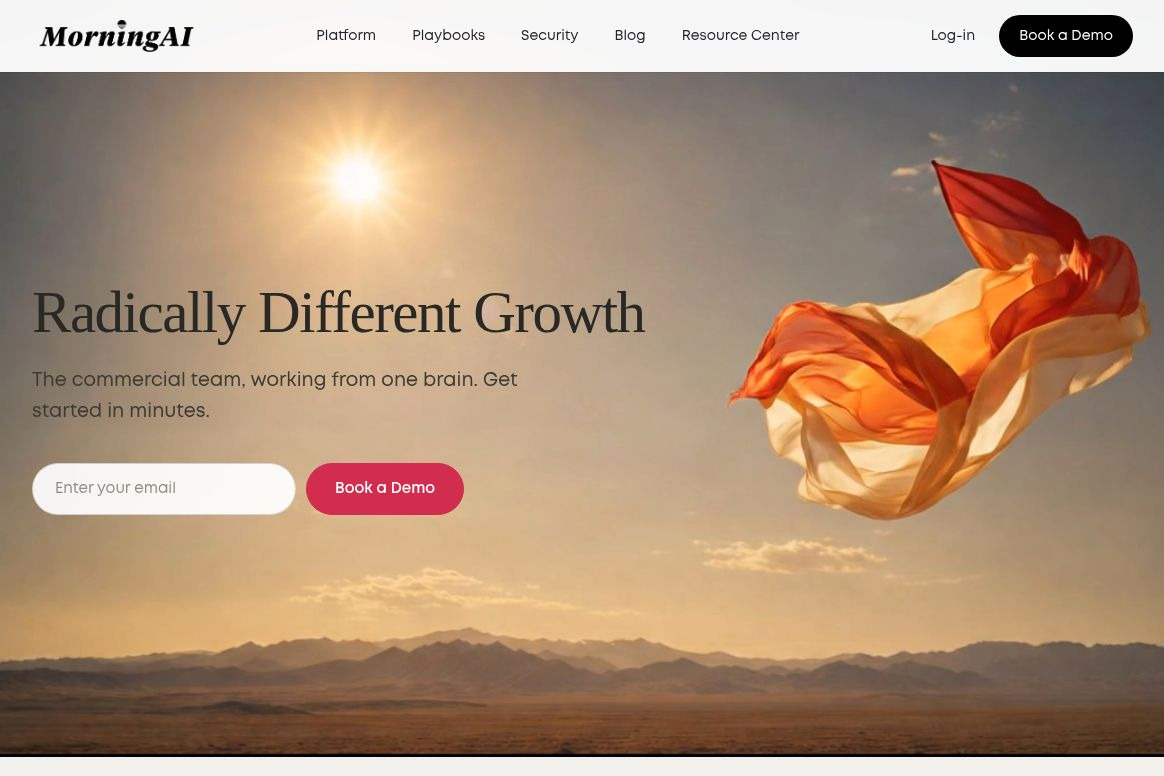
An AI-powered marketing collaboration platform for brand teams that centralizes brand, product, and customer data and integrates with Microsoft 365 tasks.
 MorningAI
MorningAI is designed for brand operations and marketing teams, organizing brand positioning, product information, and customer insights into reusable work contexts. It not only supports content creation but also connects emails, documents, and business tasks. For small consumer goods and e-commerce brands, a key benefit is that teams no longer have to explain from scratch every time “what we sell, who we’re targeting, and how we should communicate.”About the Platform
The official website lists Chris Curtis as the founder and CEO. He previously worked in brand management at Anheuser-Busch InBev, consulted at McKinsey, and later ran a small chocolate business. The team positions its product for brand builders with limited resources but a need for professional marketing expertise, and the company is headquartered in San Francisco.Company and Founder Profiles
The platform organizes DNA data into three categories: BrandDNA manages brand messaging and positioning; ProductDNA organizes products and selling points; and CustomerDNA describes customer segments. Users should view this content as business working papers that require ongoing maintenance, rather than a database that remains accurate indefinitely once uploaded.DNA Functions
On October 19, 2026, MorningAI released an update to the Microsoft 365 connector and quota management. The connector can retrieve Outlook emails and attachments, process calendar information, and access OneDrive and SharePoint files. In the official example, replies are first saved as Outlook drafts and must still be sent by the user; meetings also require confirmation and should not be interpreted as being automatically scheduled or emailed by default.Official Update
A typical use case is communicating with dealers: first, locate order emails and attachments, then use them in conjunction with brand materials to draft a reply and prepare meeting recommendations. Another scenario is preparing for new product marketing, where you compile product catalogs, existing materials, and audience profiles to develop a consistent content strategy across different channels.
The effectiveness of these scenarios depends on the quality of the input. If product names, packaging specifications, and price lists conflict with one another, the generation tool may simply produce an email that requires rework even faster. It is recommended to start by selecting business processes with clear information and lower risk to see if they truly reduce the need for back-and-forth verification, rather than covering the entire marketing department from the outset.
1. New users can schedule a demo on the official website. Please prepare some brand materials, a small amount of product information, and a specific task.
2. First, review the DNA to verify that brand names, prohibited terms, product specifications, and target audience descriptions are correct.
3. If you already have an account, connect it by going to DNA → Connectors → Microsoft 365; if your organization requires approval, this should be handled by an IT administrator.
4. Assign tasks with clearly defined scope in Agents, such as finding the latest emails from a specific dealer and preparing a reply based on the attachments.
5. Manually verify the quantity, date, attachments, and details of the commitment, then send the email via Outlook. Meeting arrangements will be confirmed separately; do not consider the suggested time to be a confirmed appointment.
The steps are taken from the official documentation and have not been tested within an actual account. During the pilot phase, you should also distinguish between permissions such as “Read-only” and “Allow schedule modifications,” and connect accounts in accordance with the company’s data policies.Connector Process
New users primarily learn about activation plans by scheduling a demo; specific subscription prices are available upon request. The included quotas and fees for additional members must also be confirmed with the vendor.
The updated Credits page allows you to view task and member usage, monthly limits, and optional auto-recharge. Auto-recharge is not required. Before purchasing, we recommend asking how a complete task will be billed and estimating your budget based on actual workload, rather than just comparing monthly fees.Quota Management Guidelines
| Points of Comparison | MorningAI | Microsoft 365 Copilot |
|---|---|---|
| Work Organization Methods | Organize context around brands, products, and customer data | Provide assistance with office information, content, and business tasks |
| Key Use Cases | Brand Team Emails, Attachments, and Marketing Preparation | General Office Search, Summary, and Content Drafting |
| Priority Evaluation Candidates | Small marketing teams looking to unify their brand identity | Teams that have extensive experience using the Microsoft Office environment |
| Verify Before Purchasing | DNA Maintenance Costs, Connector Permissions, Quota Usage | Existing Licenses, Required Feature Coverage, and Permission Configuration |
The above comparison is intended to help with product selection; it is not a performance ranking, nor does it imply that Copilot cannot be used for marketing. Microsoft’s official website also highlights its capabilities in information retrieval, content drafting, and multi-step tasks.Official Microsoft Description
The pilot program should also address accountability for brand materials: who updates product information, who approves prohibited marketing language, and how to revoke access when team members leave the company. Clarifying these rules upfront is essential to prevent multiple people from editing the same background information without anyone confirming the final version.
Whether MorningAI is worth implementing depends on whether the brand context can reduce the need for repetitive explanations and make the output easier to verify. The best place to start is to select a high-frequency process that can be manually reviewed, and then compare the number of revisions and completion times before and after integration.




 简体中文 简体中文
  English