
Beagle Designs
135 Editor's online photo editing and design tool provides rich templates and AI smart features to help users complete photo editing and design tasks quickly and efficiently.
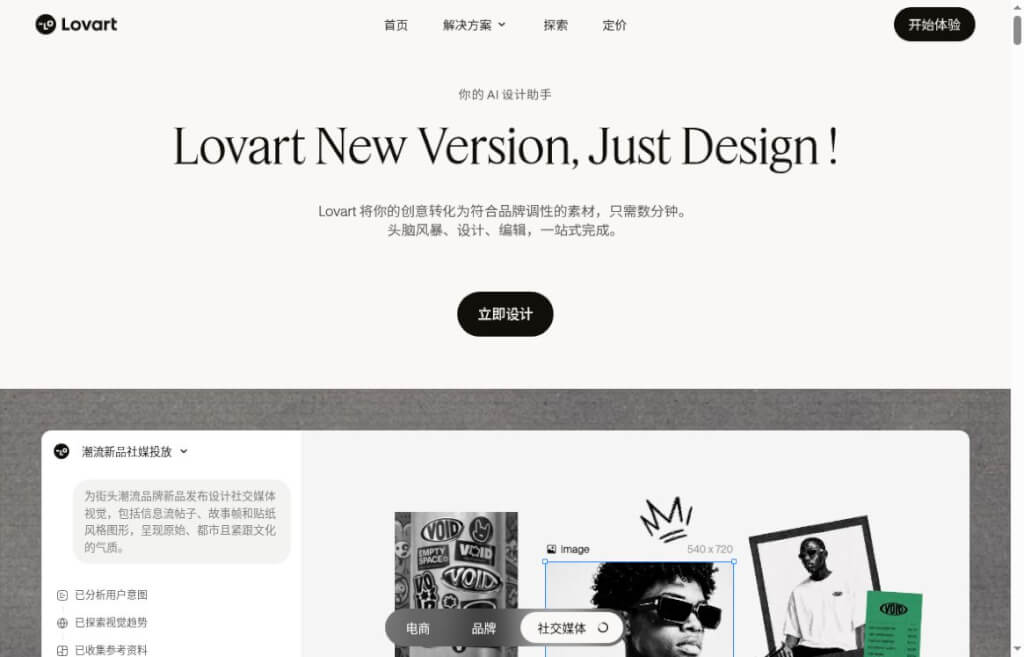
Lovart is an AI-powered design tool that allows users to create and edit visual assets on a canvas. Through brand kits, reusable workflows, and layered PSD exports, it helps e-commerce, operations, and design teams produce content series.
When creating main images, posters, and social media visuals for a new product launch, the challenge often lies in maintaining consistency across the entire set of materials. Lovart is a canvas-based AI design tool: you can describe the intended use, upload reference materials, generate different design options, and then continue refining them by adjusting specific positions and elements. It’s ideal for e-commerce operators, brand teams, and independent creators who need to consistently produce visual content, and it also serves as a workspace for designers to explore ideas and prepare initial drafts.
It integrates creation, editing, and the reuse of assets into a single workflow. For projects with established brand guidelines, you can first prepare the logo, color palette, fonts, and reference images, and then base subsequent creative work on these requirements.
If a project requires only a single inspiration image, using a raw image tool is already quite convenient. Lovart is particularly useful in scenarios such as: when a product line needs to be produced in multiple sizes, when multiple rounds of feedback are required for the same campaign, or when the same brand style needs to be maintained week after week. Keeping assets, guidelines, and the revision process all in one place helps reduce the need for context handoffs and repetitive explanations.
In practice, AI-generated content should be treated as an editable draft. Brand identity, product details, Chinese copy, and typographic hierarchy must still be verified item by item—especially promotional prices, product specifications, and text on packaging. For commercial projects, it is also necessary to verify the licensing of uploaded materials and the terms of the selected plan.
We recommend first testing the effectiveness and quota usage with a small task before deciding whether to incorporate it into your regular workflow. Specific models, export permissions, and fees are subject to what is displayed in your current account.
| artifact | Focus | Suitable Tasks |
|---|---|---|
| Lovart | Brand Assets, Design Canvases, and Minor Edits | Event Visuals, E-commerce Images, and Series Design |
| Flowith | Node Canvas, Multi-Model, and Context Organization | Multi-branch tasks ranging from research to creative proposals |
| Napkin | Convert the text content into a diagram | Article Illustrations, Process Descriptions, and Report Visualizations |
You can choose based on the deliverables: If you need to develop a brand identity, Lovart is your top choice; if you need to organize materials and explore different approaches, check out Flowith; and if you need to visually clarify a business concept, consider Napkin.


 简体中文 简体中文
  English