
Nemotron 3
NVIDIA's open-source AI model series, featuring Nano, Super, and Ultra variants, is specifically designed for intelligent agent applications, delivering high efficiency and precision.
An open-source multi-model chat and agent platform from MIT that centrally manages models, document-based Q&A, and tool invocations, and supports self-hosting by teams.
 LibreChat
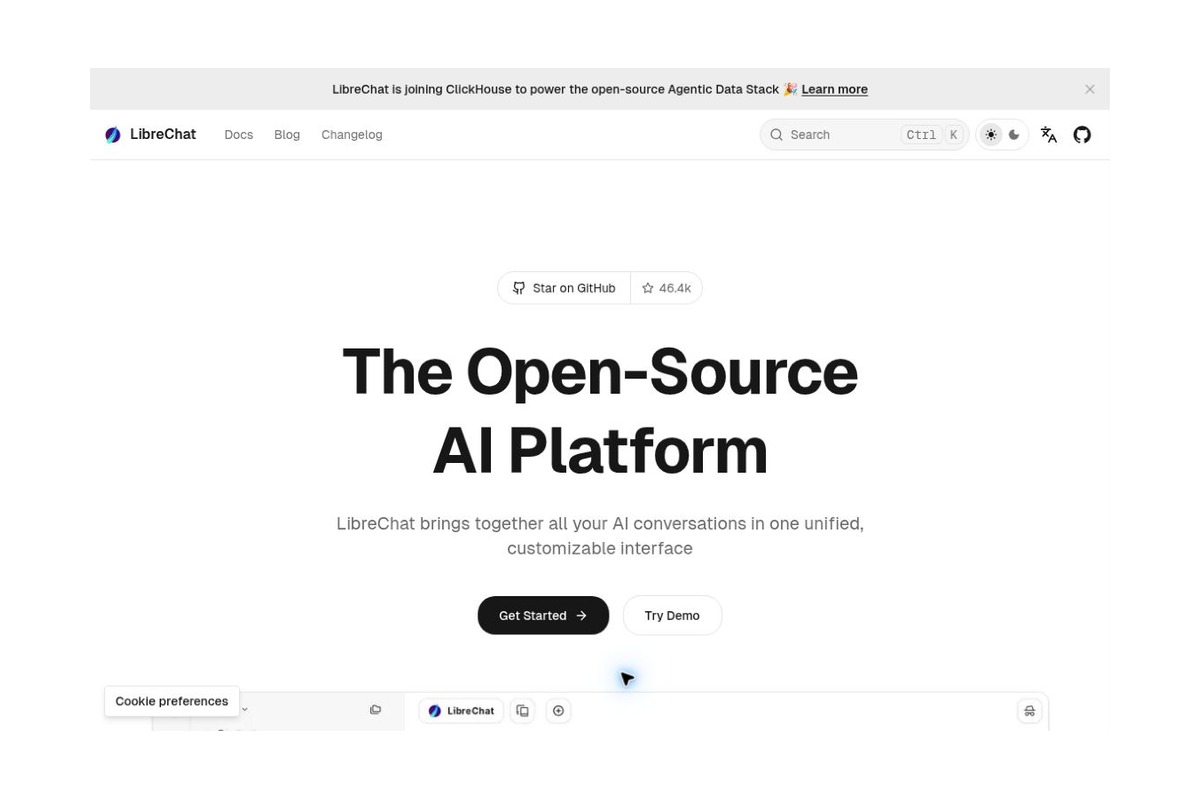
LibreChat is a self-hosted, open-source AI chat and agent platform. It integrates different model providers, document-based Q&A, tool invocations, and chat history management into a unified interface, making it ideal for those who want full control over deployment, model selection, and team usage. It is not a free model service that comes with all the capabilities of large language models, nor is it a native desktop client that needs to be installed on a computer; rather, it is a web application accessed through a browser.
The project was founded by Danny Avila and is currently maintained by the LibreChat team and community. ClickHouse announced its acquisition of LibreChat in November 2025 and pledged to maintain the MIT open-source license. The original danny-avila/LibreChat repository has been migrated to LibreChat-AI/LibreChat; please use the current repository when searching for code, issues, and versions.
Individual developers can use it to compare how different models perform in writing, coding, and document comprehension; research or operations teams can use shared agents to standardize descriptions of common tasks; and enterprise technical teams can integrate internal document search and restricted business tools into a single chat interface. The priority should be to clarify “who can access which data and use which tools,” rather than integrating as many models as possible right from the start.
The official release of v0.8.9-rc1 on October 26, 2026, includes updates to Chat Projects, account security, deployment topics, and connected coding workflows; this is a release candidate and should not be confused with the stable release. Deployers prioritizing stability should make their selections based on the release notes and test results, rather than directly following the development branch.
The MIT license covers the project code, but the model API, search service, hosted infrastructure, and other components may be billed separately. The official public demo is intended for evaluation purposes only and is not suitable for uploading confidential information or content that requires long-term storage. When processing chats and files through third-party providers, you must still comply with their data and service terms. Model-generated text, code, and tool parameters require review, especially when connecting to real business data or enabling write operations.
| sports event | Areas of Strength | Applicable Scenarios | Selection Reminder |
|---|---|---|---|
| LibreChat | Unified Multi-Model Dialogue and Agent Portal | Personal Multi-Model Workspace, Team AI Portal | Deployment, authentication, and vendor configuration are required |
| AnythingLLM | Desktop Experience and Document Workspace | Quick Profile Creation Assistant | Features such as multi-user management vary depending on the deployment version. |
| RAGFlow | Document Processing and Retrieval Links | Complex Data Knowledge Bases and Retrieval Engineering | Greater Emphasis on Data Quality and Resource Planning |
Reasons for Recommendation:The value of LibreChat lies in decoupling “model selection” from the “user interface.” For those who already use multiple models and wish to retain control over their chat data and deployment, it is worth considering as a system-level solution rather than continuously adding standalone chat clients.
Official Website:LibreChat Official Website - GitHub Source Code - Quick Start - Deployment and Demonstration Instructions - Release Notes - Official Announcement Regarding the Acquisition of ClickHouse


 简体中文 简体中文
  English