
PaddleOCR-VL
Baidu's lightweight multimodal document parsing model, with 0.9B parameters, achieves accurate recognition and structured output of complex documents in 109 languages, with world-leading performance.
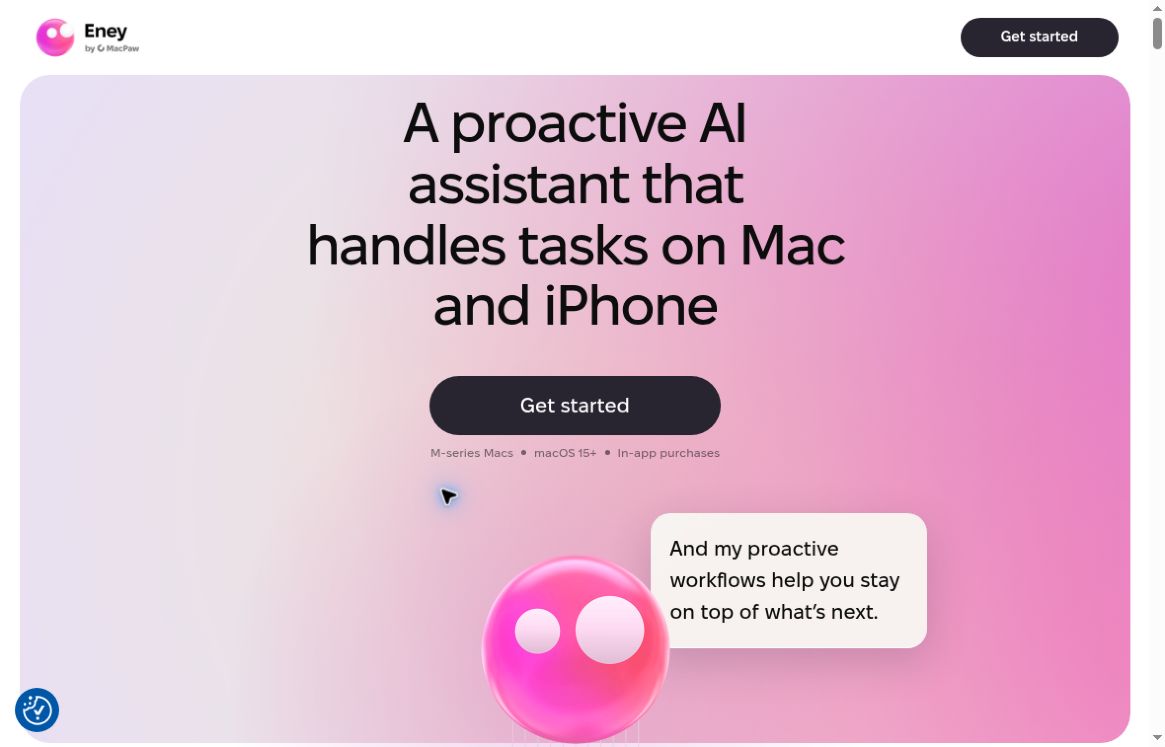
Eney is a proactive AI assistant developed by MacPaw that supports meeting organization, schedule planning, document management, and app integration. This article reviews the information released in October 2026, current pricing, system requirements, and cloud processing limits, and provides tips for getting started and comparisons with similar tools.
Eney is an active AI assistant developed by MacPaw. It combines natural language commands with devices, files, calendars, and connected apps to handle miscellaneous tasks such as finding information, organizing files, preparing for meetings, and scheduling work. For people who switch between multiple apps every day, it’s worth noting whether it can drive tasks toward actionable results—rather than simply generating a response.Visit the Eney website
This article was verified on October 17, 2026, based on information from official product pages, press releases, help documentation, and app store listings; no hands-on testing was conducted. The examples in this article are provided to illustrate usage and do not imply that the corresponding tasks have been completed.
Equipment and Shelving Information as ofVisit the official websitecap (a poem) App Store ListingFor reference; see the networking requirements atOfficial Offline User Guide.
MacPaw was founded in 2008. According to Eney’s “About” page, the company currently has more than 500 employees, and its product portfolio includes CleanMyMac, Setapp, ClearVPN, CleanMyPhone, and Moonlock. For Eney, this background means its focus is on everyday tasks and the software ecosystem on Apple devices.About the MacPaw Team
Eney did not make its debut in 2026. In an article published in May 2025, MacPaw founder Oleksandr Kosovan introduced the project, which aims to reduce the need to switch between apps by providing a unified interface, and proposed the “Computerbeing” product concept.2025 Product Vision Article
On October 15, 2026, MacPaw released a press release announcing the official launch for Mac and iPhone. This release emphasized proactive suggestions, cross-app execution, and user control over key operations. Therefore, when introducing the current version, it is important to distinguish between earlier preview materials and the information from this 2026 release.Official Press Release from MacPaw
Eney's Workflows are ready-to-use task templates—for example, organizing files or summarizing documents—and users can also simply ask what kind of assistance it can provide. This design is ideal for people who don't want to spend time learning how to set up automation first.Workflow Description
The current workflow library covers areas such as meeting minutes, schedule planning, image and text extraction, research and organization, social media copywriting, code assistance, and shopping comparisons. These should be understood as the official use cases and capability statements provided by the platform; actual results may vary depending on the task, the file, and access permissions.Official Workflow Library
The meeting minutes workflow can process text transcripts or audio recordings and organize the content into key points, decisions, follow-up actions, and unresolved issues. The official documentation emphasizes that responsible parties and due dates are extracted only when they appear explicitly in the source material; results can remain within the conversation or be saved to Apple Notes or connected apps at the user’s request.Meeting Minutes Workflow
It’s useful for turning a discussion into a verifiable to-do list, but it can’t decide on behalf of the team who is responsible, nor can it turn vague discussions into firm commitments.
The schedule workflow generates a plan based on existing commitments, task priorities, estimated durations, and deadlines. The official example specifies that recommendations should be displayed first, and calendar events should be created or modified only after confirmation is received.Schedule Planning Workflow
These skills are particularly valuable for people whose work schedules change frequently. When entering information, try to specify recurring meetings, times when you’re unavailable, and the time required for tasks; avoid making vague requests like “Just schedule my day for me.”
According to MacPaw’s press release, supported apps include Apple Mail, Calendar, and Reminders, as well as Gmail, Google Calendar, Google Drive, Slack, Notion, Jira, and Linear. Eney Wand allows users to select screen content by pressing Option-W, providing options for translation, text extraction, and other functions.Official Press Release
The value of these capabilities lies in reducing the steps involved in “copying content, switching windows, pasting, and then moving the results back.” The specific content that a connector can read and write should be determined by the authorization page displayed after installation and the actual scope of support provided by the tool; support for a particular service does not imply that the connector has full functionality for that service.
The features listed on the official website also include file search, document creation and editing, PDF splitting, format conversion, organizing the desktop and download folders, as well as image processing and video trimming.Feature Overview
It’s best to start with small, straightforward tasks here—such as processing only a specific folder or converting just one file—and check the results before expanding the scope. For professional design projects, complex video projects, or projects with strict format requirements, you should still verify the tool’s suitability on a case-by-case basis.
The following are recommendations for selecting products based on their functional characteristics; they are not conclusions drawn from performance testing.
If your primary requirements are Windows/Android support, fully offline operation, or a strict guarantee that data never leaves the device, Eney is not currently the best default choice. The download links verified in this article are for Apple devices, and the official offline FAQ explicitly requires an internet connection.Current Download Link - Network Setup Instructions
Mac users should go to the official website to download the software or use Setapp; mobile users should use the App Store. Check the system requirements first, then determine whether you need to update your device’s operating system—don’t rely solely on descriptions of older versions found in search results.
MacPaw's launch announcement states that you can sign in with a Setapp account and that a Setapp membership is not required. Accounts, memberships, and AI credits are distinct concepts and should not be lumped together as a single fixed fee.Listing and Account Information
For example, when you need to access Google Calendar, connect the corresponding account. The official connection guide provides a straightforward method: simply request to connect to Google Drive, Google Docs, or Google Calendar within Eney, and the app will guide you through the process.Official Link Tutorial
You can start with a non-sensitive meeting transcript, a public text, or a small number of test files. Check the output for completeness, naming conventions, dates, and citations before deciding whether to expand its use.
Below is an example of a prompt drafted by the editor; it can be adapted based on the actual material:
Before sending, moving, or creating files, verify the destination, scope, and results. Do not assume that “linked accounts” mean you can skip verification. For tasks involving customer information, internal documents, or meeting recordings, you should also confirm that you have the authority to submit the materials to the relevant service for processing.
Keep track of the three most frequently used task categories each week, the number of credits consumed, and the steps that still require manual completion. When comparing, it’s more meaningful to look at the “total cost to complete a task” rather than just the monthly fee. Setapp notes that credit consumption varies depending on the model, input length, and task type, so it shouldn’t be simply viewed as a fixed number of uses.Setapp Credits: Explanation
Eney's current official website offers a free trial of 10,000 AI credits for the first 14 days and lists the following monthly plans:
Page Note: Subscriptions are automatically renewed on a monthly basis, and unused credits do not carry over. Please note: There is a discrepancy in the pricing information—while the price card on this page states “plus tax,” the footer states “taxes included.” The actual tax amount and total price are subject to the checkout page.Eney Current Pricing
Additionally, the Setapp General Credits help page lists a different set of credit amounts and prices, which cannot be directly substituted for the plans shown on the Eney homepage; it also notes that canceling a Setapp membership or an individual app subscription will not automatically cancel a standalone credits subscription. Before subscribing, you should confirm the specific items you are purchasing and where to cancel them.Setapp Individual Subscription Guide
These products have some overlap, but it is not appropriate to distinguish them solely based on whether or not they can “chat.”
Raycast AI’s current official website also offers features such as tool integration, custom agents, scheduled automation, and screen context, and supports the use of your own models via subscription or API key. Therefore, Raycast cannot be described as a launcher limited to Q&A. If you prioritize model selection and custom agents, you should focus on comparing Raycast; if you value Eney’s preset workflows and its entry point for everyday Mac tasks more highly, you can try both tools with the same tasks.Raycast AI Official Features Page
Alfred’s Powerpack Workflows allow you to combine objects into workflows and trigger them using keyboard shortcuts or keywords; you can also use pre-built workflows from the community. It’s ideal for users who want to explicitly orchestrate steps and consistently reuse fixed workflows; Eney, on the other hand, is better suited for users who first describe their goals and then let an assistant organize the tasks. The choice between the two comes down to whether you prefer to maintain control over the details of the process or reduce the configuration burden for each task.Official Documentation for Alfred Workflows
Apple Shortcuts allow you to combine actions from multiple apps and run them via keyboard shortcuts, Siri, and other methods; they also provide ready-made workflows. For repetitive tasks with consistent rules and clear inputs and outputs, first check whether Shortcuts are sufficient; when a task requires understanding documents, synthesizing information, or proposing solutions based on context, then evaluate the added value of Eney.Apple Shortcuts Guide
The recommendations above are based on a comparison of the publicly available features of each product and do not include rankings for speed, accuracy, or stability.
The Privacy Statement, effective October 15, 2026, specifies that cloud processing is enabled by default, and local models are not currently used to respond to requests. Operations such as file management can be performed on a Mac, but the results may be sent to the AI provider; whether content is uploaded depends on the task. The policy also explains that the data used and analyzed may include requests and responses, and that automatic filtering cannot remove all sensitive content. Once authorization is granted, certain read-only operations will not prompt for permission each time.Eney Privacy Statement
Therefore, phrases such as “file operations performed on this computer,” “permissions required,” or “not used for training third-party models” should not be misinterpreted to mean that “all data remains solely on the computer.” For customer information, non-public business information, and audio recordings, the permissible methods of processing should be assessed first.
The current App Store language list includes Simplified Chinese, but the eight languages listed in the Mac launch press release do not include Chinese. It would be accurate to state that “Simplified Chinese is listed in the mobile store”; there is insufficient evidence to guarantee that the Mac interface, voice features, and all workflows fully support Chinese.App Store Language Information - Mac Press Release
The old macpaw.com/eney page still lists “Preview” and “macOS 14+”; some FAQs even retain references to “macOS 13+” or “iOS not available.” This information is inconsistent with the new official website, the launch announcement, and the existing App Store listing. This article uses the Mac requirements from the new homepage and the current compatibility information from the App Store; the older information is used solely for version history verification.Old Product Page - Old System FAQ - Platform FAQs That Still Contain Outdated Information
One area worth watching with Eney is its ability to consolidate meetings, schedules, documents, and app operations into a single conversational interface. Whether it’s worth a long-term subscription depends on whether it can reliably handle the specific tasks you encounter repeatedly, as well as whether the results verification, permission management, and credit costs are acceptable.
We recommend starting by selecting three low-risk, real-world tasks to test the tool: summarizing a meeting, planning a schedule, and processing a document. Keep track of the steps you skip, any errors that occur, and the cost incurred before deciding whether to purchase—rather than basing your decision solely on a demo or the “proactive AI assistant” label.


 简体中文 简体中文
  English