
Figma Specs Launches Public Beta: Bringing Requirements, Design, and AI Coding Context Together
When teams begin to incorporate AI into product development, the connections between requirements documents, design drafts, and code become even more important. On October 15, 2026, Figma launched Specs, which brings written requirements together with the contextual designs on the canvas, and began rolling out a public beta in phases. For product managers, designers, and developers, this provides a collaborative tool worth trying out.Official Release Notes.
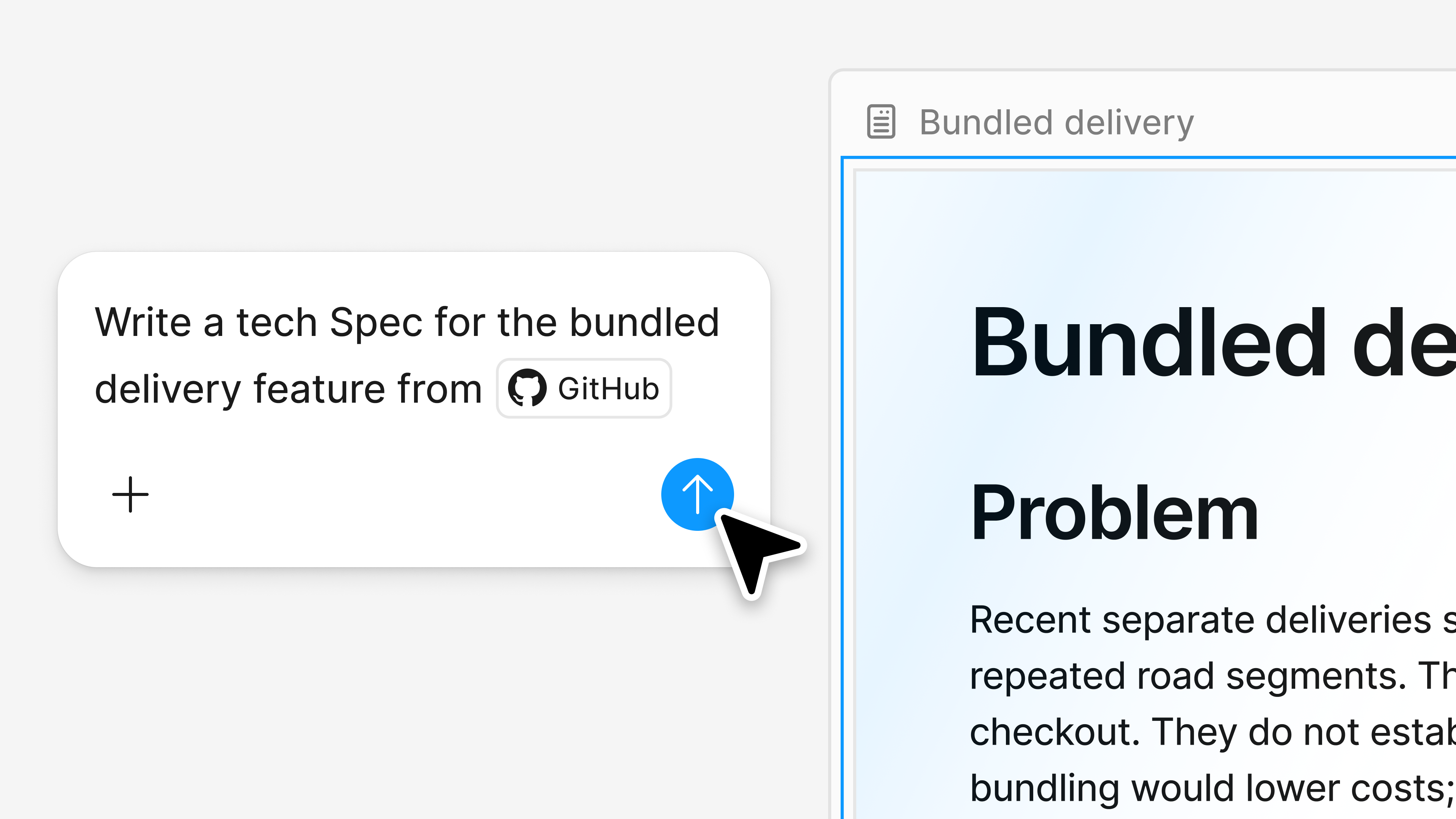
What does "Specs" include?
According to the release notes, teams can drag Markdown files onto the canvas and embed contextual elements—such as design mockups and FigJam content—into specification documents. Once the team has finalized the direction, they can use Figma MCP to allow coding agents to access the specifications and related references. The value here lies in maintaining a connection between textual descriptions and the design rationale, thereby reducing the burden of repeatedly organizing materials during handoffs. This final point is an analysis at the workflow level; actual benefits still need to be validated through project implementation.Introduction to Features and Workflows.
Who can use it? What fees should I be aware of?
The Figma Help Center lists the eligible plans as Professional, Education, Organization, and Enterprise; this feature requires document editing permissions. The feature will be rolled out gradually over the next few weeks, and team members may gain access at different times.
Writing or editing Specs directly does not consume AI credits; invoking an agent to process Specs will consume credits, depending on factors such as the task and context. The Help Center also notes that related consumption in FigJam applies once its agent credit mechanism is enabled. Therefore, during the trial period, you should distinguish between manual collaboration and agent calls, and refer to the current rules within your account.View Terms of Use and Credit Limit Information.
I suggest starting with a small feature to test it out.
Here are some recommendations for the trial period to help your team determine whether this tool fits their workflow. Choose a page change with clearly defined boundaries—such as optimizing list filters or adding form prompts—to avoid migrating an entire set of documents right from the start.
- Clearly state your goals and what you won't be doing.Describe the issues users are experiencing, the scenarios covered by this change, and the scope that is explicitly excluded.
- Place the design basis next to the requirements.Include relevant diagrams or flowcharts to clearly indicate which solution is currently being used, to prevent agents from selecting older versions on their own.
- Resolve the open issues first, then hand them over to the agent.The field definitions, exception states, permissions, and acceptance criteria should be confirmed by the team. If a conclusion is missing, mark it as pending.
- After the handover, verify that the implementation conforms to the specifications.Cross-check the documentation against actual results, document the causes of any discrepancies, and observe whether improvements are made during the next handover.
Even after the tool has consolidated the context, responsibilities still need to be clearly defined.
Even a comprehensive specifications document may contain conflicting decisions. The team must still agree on who has the authority to approve requirements, which version will proceed to development, and who will review changes made by contractors. When integrating code repositories or other materials, the team should also verify access permissions to avoid providing contractors with data unrelated to the current task.
When evaluating Specs, you can track the number of times requirements were clarified, the reasons for rework, and the time from review to delivery. Compared to simply looking at generation speed, these metrics provide a better indication of whether shared context truly helps the team reduce misunderstandings.
© Copyright notes
The copyright of the article belongs to the author, please do not reprint without permission.
Related posts




No comments...
 简体中文
简体中文  English