
Tongyi
AliCloud has launched a collection of intelligent products covering language, image, voice, code and other areas of AI technology, aiming to provide users with efficient and convenient intelligent solutions.
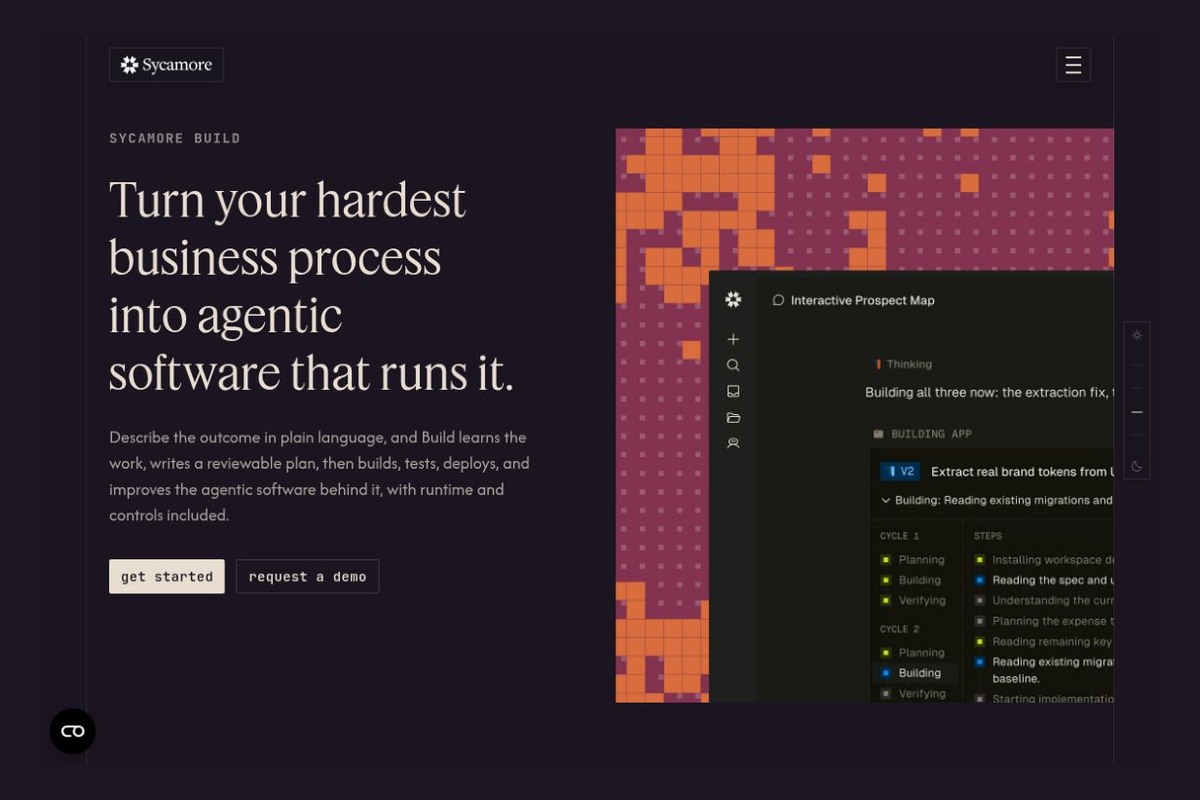
Based on business documentation and process descriptions, we help companies clarify their requirements, build intelligent agent applications, and integrate testing, deployment, and governance into a single workflow.
 Sycamore Build
 is an enterprise agent application development platform launched by Sycamore. The company was founded by Sri Viswanath, former CTO of Atlassian, and is headquartered in Palo Alto, California. The platform is designed for business-savvy employees and technical teams who want to transform processes scattered across documents, systems, and people’s experience into executable applications and agents.Company Profile
Sycamore on November 3, 2026: Announcement that Build is officially available... Both individuals and organizations can register through the official website. Its approach is to first understand the business requirements, develop an implementation plan for review, and then proceed to the development phase—rather than requiring users to write a complete technical specification right from the start.Announcement
Ideal for teams with well-defined processes but where off-the-shelf software struggles to cover every step. For example, organizing customer leads into a review queue, turning work order routing rules into an actionable dashboard, or consolidating data from multiple systems into internal reports.
These are potential tasks for validation during the selection process; whether they can be implemented depends on the APIs, data quality, and business rules. Business owners need to explain any exceptions, and the IT team needs to review permissions and deployment plans; for steps involving payments, external communications, or critical approvals, manual confirmation should be explicitly required.
The steps outlined above are pilot recommendations; companies should not immediately hand over all production resources and write permissions to projects that are being tested for the first time.
Public product descriptions do not list uniform package prices or fixed free allowances; for fees, query limits, and service coverage, please refer to the account subscription page and the applicable contract. The official website lists deployment options such as managed, dedicated, and bring-your-own-cloud (BYOC) environments; however, this does not mean that every account includes all options by default. Specific regional availability and data storage locations should also be confirmed prior to purchase.Deployment Instructions
Before a company signs up, it is especially important to read the fine printTerms of Service: The public terms permit the use of customer data to train or fine-tune models; the generated output is owned by Sycamore, and the customer is granted an agreed-upon license to use, copy, modify, and distribute the output internally; compiled versions may be sublicensed to end users; and the portions dependent on platform services remain subject to the terms of the contract. This should not be interpreted as “no training by default” or “the user has full ownership of the generated code.” The terms also restrict the public disclosure of product benchmarks or performance information; the scope of the license must be clarified prior to evaluation and procurement verification.
| artifact | Positioning and Functional Focus | More Suitable Tasks | Things to Keep in Mind When Choosing |
|---|---|---|---|
| Sycamore Build | From Business Understanding and Plan Review to Application Development and Governance | Customized business processes spanning multiple departments and systems | Verify data training, output licensing, and actual deployment rights |
| Retool | Connect enterprise data to build internal applications, workflows, and AI agents | Data Operations Backend, Review Platform, Internal Business Tools | The team still needs to configure data resources, permissions, and business logic. |
| n8n | Visual orchestration integration, workflows, and agents, with support for both hosted and self-deployed solutions | Event Triggers, System Synchronization, Notifications, and Multi-Step Automation | Once deployed, you must maintain the runtime environment yourself; exception handling must still be designed for complex processes. |
If the core challenge is translating complex business knowledge into software, you should focus on evaluating Sycamore Build; if the data structures and user interface are already well-defined, you might want to look at Retool first; if the primary goal is to connect existing systems and orchestrate actions, n8n is also worth including in a pilot. Comparisons should center on maintainability, permission boundaries, and total cost for the same actual workflow.


 简体中文 简体中文
 English