
Windsurf Editor
Codeium has launched an AI code editor that offers an efficient programming experience, seamless collaboration, intelligent suggestions and predictions, and other features designed to boost developer productivity and efficiency.
An open-source backend development platform built around PostgreSQL that integrates a database, authentication, file storage, real-time subscriptions, and vector search to provide a data foundation for websites, SaaS, and AI applications.
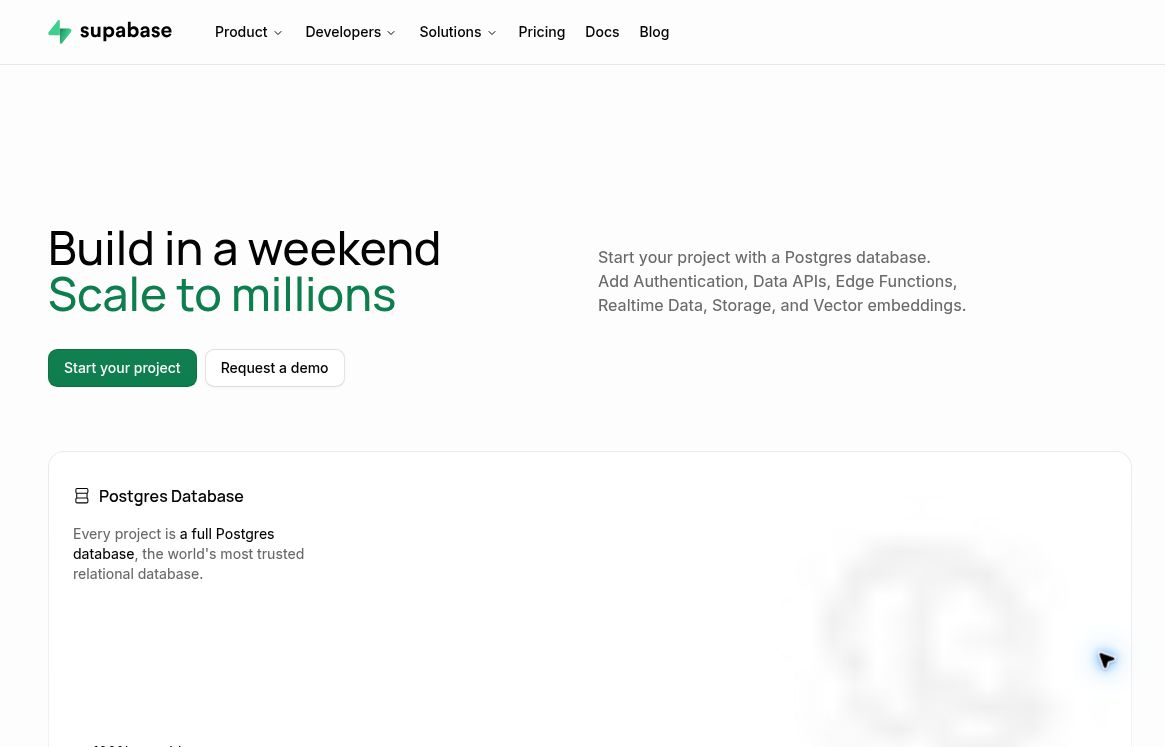
Supabase is an open-source backend development platform built around PostgreSQL. Founded by Paul Copplestone and Ant Wilson, the team works remotely and actively maintains the open-source code and developer community. It brings together the data, identity, and server-side capabilities commonly used in applications into a unified platform, making it ideal for developers who want to reduce infrastructure setup time while retaining standard database capabilities. It handles the application’s backend functionality but typically still requires integration with a front-end framework or AI programming tools.Official Team Introductiontogether withFounder ProfileAvailable for verification.
Each project has its own complete Postgres database, supporting SQL, joins, indexes, and extensions. The platform also provides authentication, automatically generated data APIs, object storage, Edge Functions, and real-time data capabilities. Developers can edit data tables, execute SQL queries, and manage users and permissions directly from the console, reducing the need to switch back and forth between multiple services.
For knowledge base Q&A, semantic search, and intelligent assistants, Supabase uses pgvector to store, index, and query vectors, placing document content, business records, and vector data in the same database. The official documentation also provides a RAG example that incorporates row-level security policies: during retrieval, only documents that the current user is authorized to access are returned. Generating vectors and responses typically still requires configuring an appropriate model; the database itself does not automatically build the entire Q&A product. For details, please refer to the officialGuide to Vector Storagecap (a poem)RAG Example for Access Control.
It is suitable for membership sites, subscription-based SaaS, order and customer management, mobile apps with login functionality, and AI products requiring private knowledge retrieval. For teams with existing SQL experience, the standard relational model is useful for expressing relationships between customers, projects, and members. Teams requiring self-hosting can also evaluate open-source deployments, but this comes with increased responsibilities for server maintenance, monitoring, backups, and upgrades.
Special Note from the Official Table Creation Guide: Creating a table using the Table Editor enables RLS; if you create a table using SQL, you must enable RLS manually. Once enabled, you must also create policies for the allowed operations. For more details, seeDocumentation on Table Creation and Data Permissions.
Compared to Firebase's Cloud Firestore, Supabase's core choice is the relational Postgres and SQL, which are well-suited for multi-table joins and existing database toolchains;Firestore Official DocumentationIt uses a document-and-collection model and provides real-time client synchronization and offline support. When making a selection, you should base your decision on data relationships, mobile requirements, and your team’s experience, rather than simply assuming that one option is universally superior to the other. Supabase’s open-source and self-hosted options offer more deployment choices, but migrating an application still requires evaluating authentication, storage, and function dependencies.
For example, a customer portal can create separate tables for organizations, members, and documents, and then use permission policies to restrict the content visible to each member. This approach not only maintains clear data relationships but also facilitates future reporting and data migration. During development, it is recommended to first validate the entire process using test data before gradually integrating live business data.
The hosting platform offers both free and paid plans. During verification, the Pro plan starts at $25 per month; the actual bill is also affected by computing specifications, the number of projects, traffic, storage, and additional services. The free plan allows up to 2 active projects, and free projects will be suspended if they remain inactive for 1 consecutive week. The above limits and fees can be found atOfficial Pricing PageVerify. Permission configuration is particularly important: being able to log in does not necessarily mean you can access only your own data; you must verify the RLS policy. When selecting a plan, you should factor in the costs of model calls, database capacity, and operational expenses. Please refer to the official website for the latest quotas and pricing.
Data Verification: October 17, 2026.Visit the official website, Features and pricing are subject to the latest official specifications.


 简体中文 简体中文
  English