
OpenDream AI
A creative visualization platform that generates images based on text, helping users easily transform text ideas into high-quality, multi-style AI images.
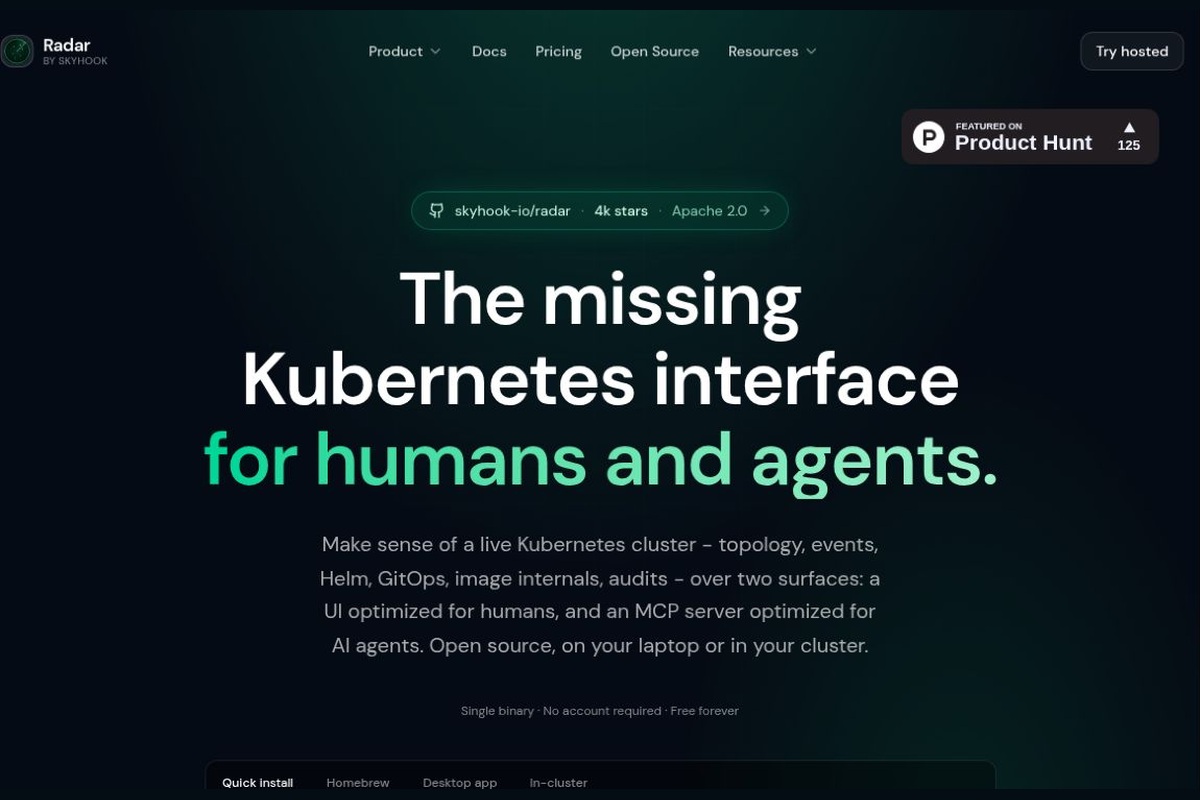
Skyhook has launched a Kubernetes visualization and AI-powered operations tool that consolidates resource topology, event timelines, and MCP investigations.
 Radar
RadarWebsite Description: Radar is a Kubernetes visualization and AI-powered operations tool developed by Skyhook that consolidates resource topology, event timelines, Helm, GitOps, and MCP interfaces into a single dashboard, supporting both on-premises open-source deployments and cloud-based team collaboration.
When troubleshooting Kubernetes issues, the challenge often isn’t a missing command, but rather that logs, resource relationships, and change history are scattered across different locations. Designed for developers, SREs, and platform teams, Radar brings these clues together in a single interface and enables an AI assistant to investigate specific issues. It is not a cloud server management dashboard, nor does it require teams to first purchase Skyhook’s deployment platform.Official Product Documentation
Radar is developed by Skyhook’s platform engineering team and operated by KoalaOps, Inc. (operating under the Skyhook brand). The official website lists CEO Nadav Erell, CTO Eyal Dulberg, and CPO Roy Libman as the company’s leaders. The project originated from the team’s own need for cluster visibility and subsequently evolved into the open-source Radar and the team collaboration product Radar Cloud; both can be selected independently of the Skyhook deployment platform.Team and Product Background
Published on October 29, 2026 v1.19.0 We have further enhanced the problem-driven investigation entry point: investigations can now be initiated from issues submitted by engineers or from cluster cards, and we have improved the presentation of conclusions and the citation of evidence in Pod metrics charts. This is a version update, not the project’s initial release.Release Notes
brew install skyhook-io/tap/radar.kubectl radar, open the workspace in your browser; the default service address is localhost:9280.The open-source version is licensed under the Apache 2.0 license; the software can be run for free on-premises or in a cluster without requiring a Radar account. The Cloud Free plan includes up to 3 clusters, unlimited users, and 100 hosted surveys per month; Team plans start at $149 per cluster per month, Enterprise plans at $299 per cluster per month, and custom plans are also available. Paid survey quotas, retention periods, and governance features vary by plan; the free quota for Cloud does not mean that accounts with built-in models are also free.Official Price
| artifact | Primary Focus | Suitable Tasks | Things to Consider |
|---|---|---|---|
| Radar | Survey on Graphical Cluster Visibility, MCP, and AI | We hope to incorporate resource relationships, events, and AI troubleshooting into a single process | It is important to distinguish the data boundaries between OSS, the cloud, and the AI services used. |
| K9s | Kubernetes Terminal Interface | Familiar with keyboard shortcuts; want to quickly view and manage resources in the terminal | Operations are primarily terminal-based; the team should manage cluster permissions effectively. |
| Headlamp | An Extensible Kubernetes Graphical Interface | Requires a desktop/web portal; adapt and extend the interface according to RBAC | Plugins and specific deployment methods must be configured according to the team's needs. |
Basis for Comparison:K9s Official Website,Headlamp Official Website. This comparison focuses on how the methods work, not on a ranking of their effectiveness based on standardized testing.
Radar is ideal for small engineering teams that frequently troubleshoot container application issues, as well as for platform teams seeking a unified view across multiple clusters. Its value lies in reducing the effort required to gather context, rather than guaranteeing that engineers identify the root cause correctly.
Running locally does not mean that all AI data remains on-premises: when a local investigation is enabled, the relevant read operations enter the processing workflow of the selected model provider. Investigations and applying fixes are separate steps; modifications made during supported on-premises workflows require confirmation, and cloud-hosted investigations do not provide an “Apply” operation that writes directly to the cluster. Different CLIs offer varying levels of isolation; “read-only investigations” should not be treated as a security guarantee for the entire on-premises environment. Production environments should still maintain access controls, change approval processes, and rollback mechanisms.Surveys and Data Boundaries
Official Website: Radar - Open Source Project





 简体中文 简体中文
  English