
SkillOpt
A Microsoft open-source framework that automatically optimizes agent skills—just like training a neural network—without fine-tuning the model, enabling consistent improvement in capabilities and cross-environment transfer.
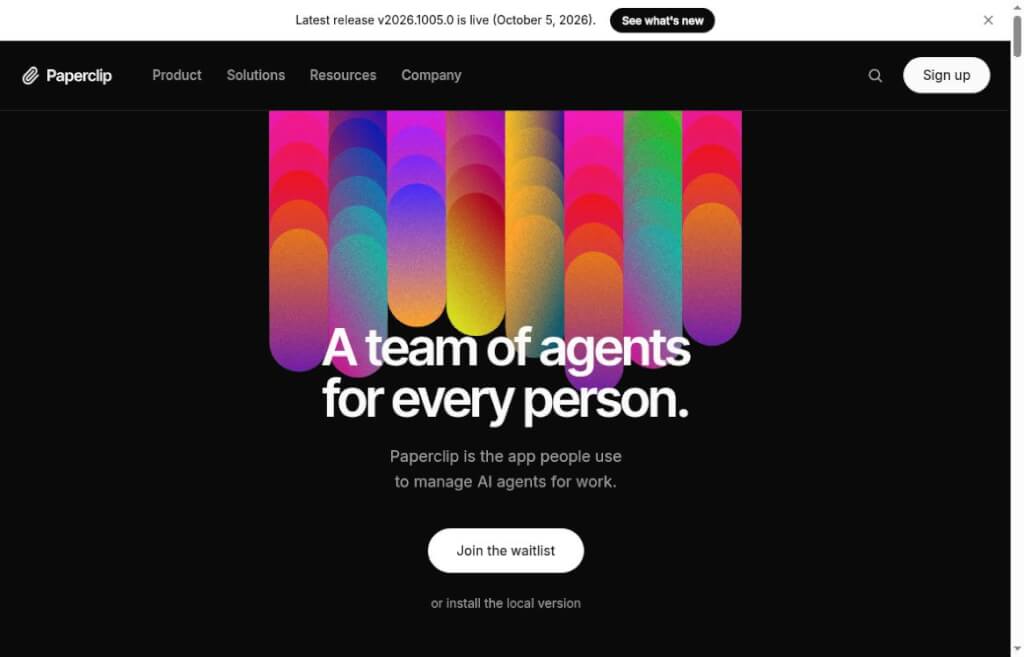
Paperclip centralizes the management of tasks, roles, budgets, approvals, and operational logs for multiple AI agents. It supports self-hosting and is ideal for individual developers and small teams to collaborate on AI projects.
Paperclip is an open-source multi-agent collaboration platform licensed under the MIT License. Through a Node.js service and a visual interface, it centrally manages the tasks, goals, budgets, permissions, and work logs of various AI agents. It is ideal for individual developers and small teams who already use multiple code assistants or automation tools and want to reduce the need to switch back and forth between the terminal and their tasks.
Version v2026.1005.0 introduces features such as agent-level cross-task file sharing and GitHub skill synchronization, making it easier to reuse existing data and team skills across different tasks. Before deployment, you must verify the integration method, runtime permissions, and model costs for the agents you plan to use.
When running multiple AI assistants simultaneously, the challenge often lies in knowing who is responsible for what, how much each has cost, and where the results are. Paperclip consolidates these management tasks into a single interface, making it ideal for multi-step workflows such as R&D, data organization, or content collaboration. Users who only occasionally use a chat assistant, however, may not need this management system for the time being.
The platform requires users to integrate agents and models on their own; business operations cannot be completed automatically simply by installing the interface. The cost of the open-source software itself is separate from the costs associated with external models, cloud sandboxes, and connectivity services; users should set a budget and confirm the billing method before running the software. The completion status of a task does not guarantee the reliability of the results; important deliverables still require manual verification.
By default, the local loopback mode is intended for local use and should not be exposed to the public internet without proper configuration. Before integrating with code repositories, browsers, and third-party services, you should verify credential permissions and data flow. Automated operations may still result in errors; it is recommended to start with low-risk tasks and maintain backups of critical data.
| programmatic | main application | Recommendations for selection |
|---|---|---|
| Paperclip | Centralized management of tasks, budgets, and approvals for multiple agents | Ideal for teams that need to collaborate continuously and review results |
| Single Coding Assistant | Complete the development work around a single session | Suitable for scenarios where tasks are relatively concentrated and there is little need for collaborative management |
| General Task Board | Track tasks, progress, and to-do items | Agent execution, model cost, and access logic must be configured separately. |


 简体中文 简体中文
  English