
v0.dev
Vercel, a leading front-end web hosting platform, introduces a tool for automated web UI generation by AI, based on the popular UI frameworks Shadcn UI and Tailwind CSS to generate directly usable React component code.
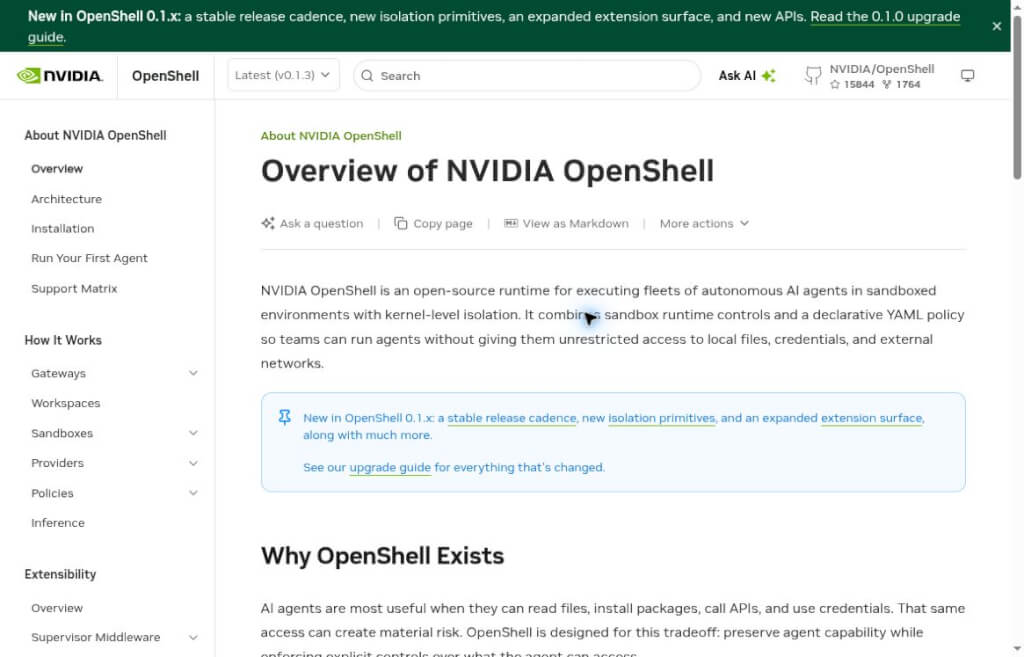
NVIDIA OpenShell provides a controlled execution environment for AI agents through sandboxing, file and network policies, and credential proxy, making it ideal for development teams to deploy and manage permissions.
OpenShell is an open-source AI agent runtime environment launched by NVIDIA and licensed under the Apache 2.0 License. It uses sandboxes and declarative access policies to manage the files agents can read, the network connections they can initiate, and the credentials they can use, making it ideal for development teams that need to integrate coding assistants or automated agents into real-world work environments.
Version 0.1.3, released on October 9, 2026, includes improvements to MCP request validation, sandbox restart, and enterprise proxy support. During deployment, testing should be conducted in conjunction with your team’s network architecture, identity management, and tool permissions.
OpenShell is ideal for agent developers, platform engineers, and security teams—especially in scenarios where AI needs to read and write code and call APIs, while clear permission boundaries must be maintained. By centralizing the management of access rules, teams can more easily verify “which files can be read and which services can be accessed” and review the rules as tasks change.
It requires some basic operations and maintenance knowledge. The default sandbox is a stripped-down Ubuntu environment without any pre-installed agents; users must also select and configure agents and model services. The fact that the project code is open source does not mean that external model inference is free; related services may be billed separately.
For example, a team can restrict code analysis tasks to specific project directories and approved model endpoints, while configuring separate access scopes for network retrieval tasks. Breaking down different tasks into appropriate boundaries first, then adjusting policies based on logs, makes auditing easier than granting all permissions at once. Enterprises with existing complex network and identity systems also need to schedule compatibility testing.
A sandbox does not guarantee absolute security. Incorrect whitelists, overly permissive mount directories, and untrusted tools can still pose risks; production environments should follow official security recommendations. The project provides a toggle for anonymous telemetry, and teams should also review their data and monitoring requirements before deployment.
| programmatic | main application | Recommendations for selection |
|---|---|---|
| OpenShell | Agent Sandboxing, Network and Credential Policy Management | Ideal for development teams that need clearly defined scope of work |
| Standard Container Deployment | Packaging Applications and Dependencies | Separate rules for agent access and credentials need to be designed. |
| Run the Coding Assistant directly | Quickly Complete Local Development Tasks | It’s relatively easy to get started, but you’ll need to carefully manage the permissions you grant. |


 简体中文 简体中文
  English