
Page Agent
An open-source, pure front-end GUI agent framework from Alibaba that requires no screenshots or backend; with just one line of code, it enables any web page to support natural language interaction and automated operations.
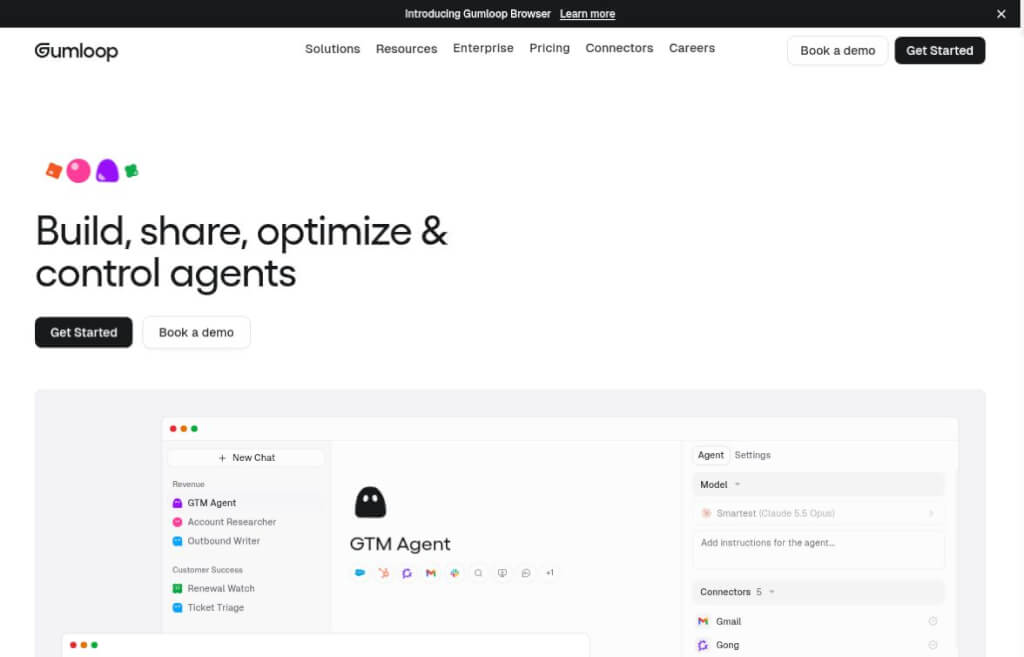
Gumloop helps teams build AI workflows and bots by integrating app connectors, data, scheduled triggers, and browser actions, making it ideal for organizing information, generating operational reports, drafting content, and automating repetitive business processes.
Every week, I have to collect data from several websites, organize it into spreadsheets, and then generate a report—the repetitive work often takes more time than the analysis itself. Gumloop is an AI workflow and agent platform that allows you to combine app connectors, business data, trigger conditions, and execution steps so that similar tasks can run according to a predefined process.
It is designed for teams in operations, content, sales support, and any other teams that need to process information across multiple systems. You can describe the tasks you want to complete, build the corresponding agent, and then adjust the instructions and permissions based on actual results. The current product also offers browser capabilities for handling website operations that don’t have ready-made connectors.
Gumloop is ideal for tasks with clearly defined input, processing rules, and output formats—such as summarizing public industry trends, organizing tabular data, or generating draft content based on source materials. Once these steps are standardized, teams can focus more of their attention on handling exceptions, making final decisions, and ensuring content quality.
When setting up automation, the most important thing is to first define the boundaries: where to retrieve data, which fields must be retained, how to handle missing information, and who will review the results. Its value lies in the design of repeatable tasks, not in providing a long wish list all at once. Recent official updates have added browser execution and in-response visualizations, making it ideal for validation starting with a single, small workflow.
Browsers and connectors do not guarantee that all websites will function properly. Logins, permissions, webpage changes, and plan restrictions may all affect task execution; when sending, sharing, or modifying business data, you should carefully review the scope of execution.
| artifact | Focus | Suitable Tasks |
|---|---|---|
| Gumloop | Connect to business applications and repeat the process | Operations Management, Reporting, and Task Automation |
| Flowith | Node Canvas and Multi-Model Context Organization | Research Design and Multi-Branch Creation |
| Elicit | Scientific Literature and Traceable Research Evidence | Paper Screening, Data Extraction, and Literature Review |
If you need to keep a set of cross-application steps running continuously, you should start by exploring Gumloop; if you need to bounce ideas back and forth between different approaches, Flowith’s canvas is well worth trying; and when your tasks revolve around academic evidence, you might want to consider Elicit.


 简体中文 简体中文
  English